Mapgen

Description
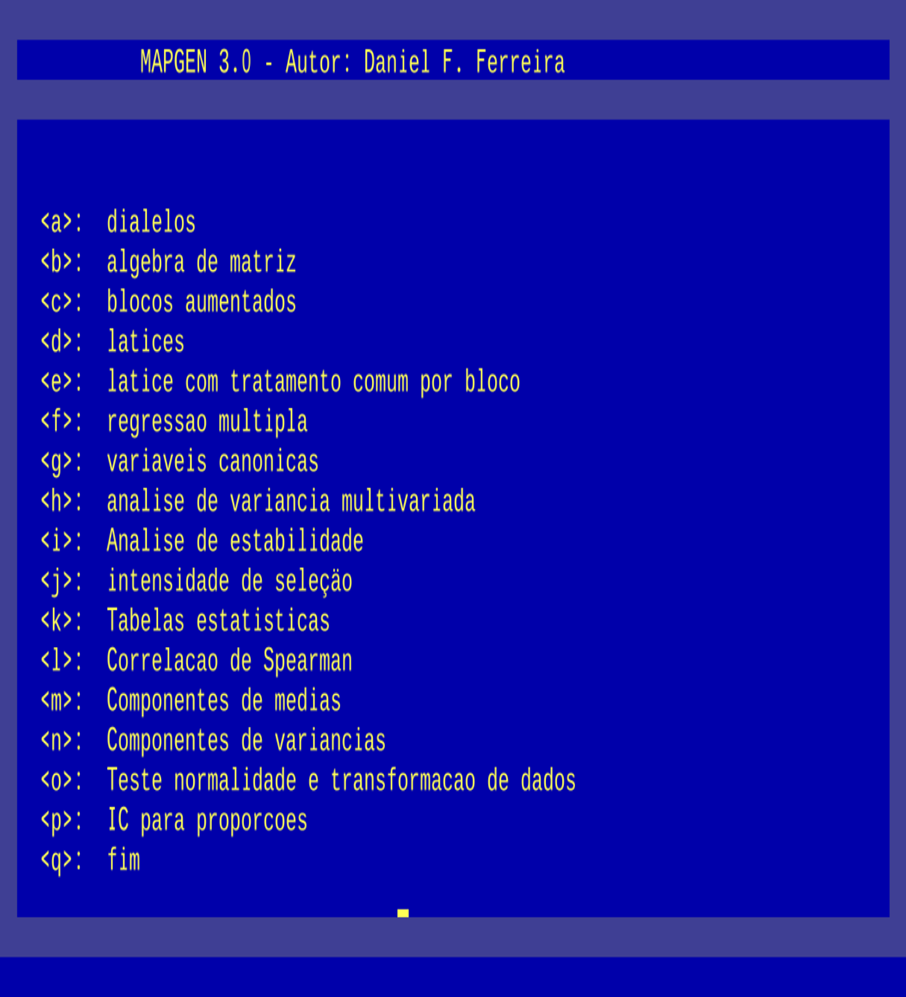
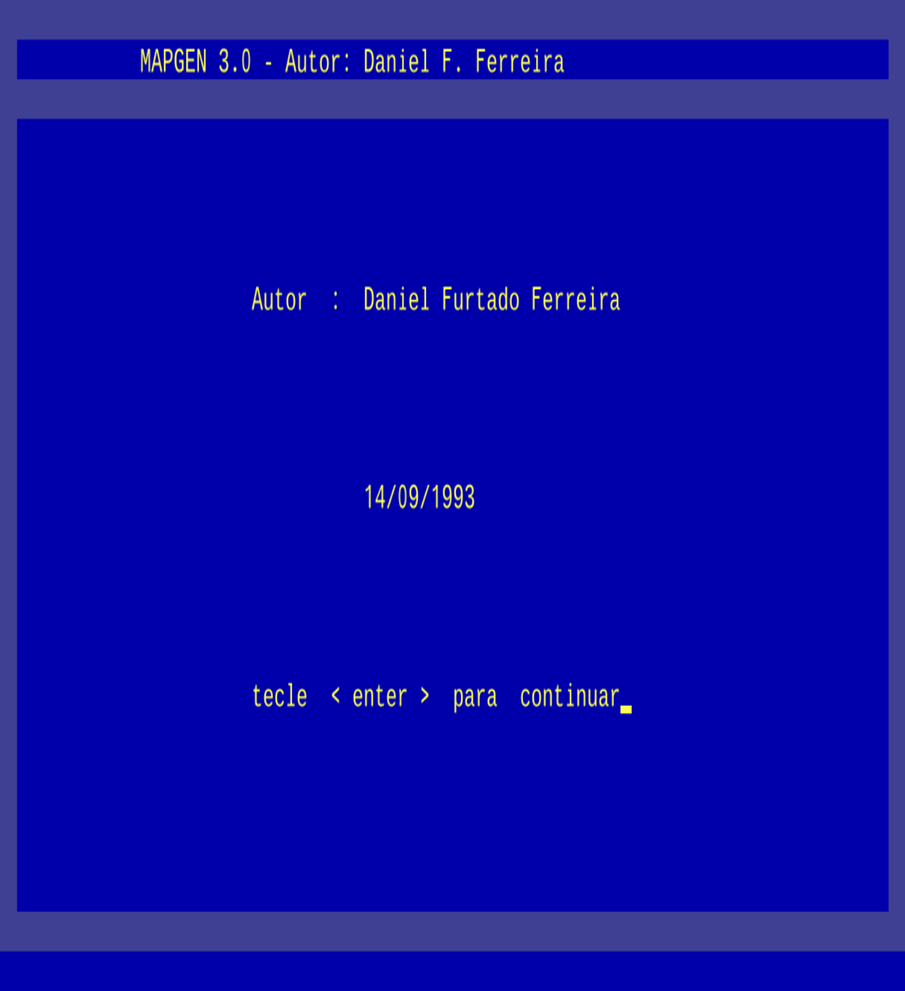
Mapgen is a software program for Statistical/Genetic model analysis. It was widely used by breeders in the final stages of plant and, in some cases, animal breeding programs. Unfortunately, this is the oldest software program I have developed, dating back to the end of my undergraduate studies and the beginning of my master’s degree. As it was implemented in DOS and modern Windows operating systems no longer support running legacy DOS applications, it fell into disuse, although its analytical features are still requested by users.
For these reasons, I decided to make Mapgen available on this page and provide instructions for users on how to run it on modern platforms, particularly 64-bit Windows operating systems. Below are some basic specifications of the program.
Key specifications of the software:
- Version: 3.0
- Build: 09/14/1993
- Language: Pascal - Compiled in Turbo Pascal 5.5
- Financial Support: CNPq (Research Productivity Grant)
- Operating System: DOS
- Registration: None
- Mapgen is free software (Free)
In summary, Mapgen performs the following main analyses:
Download
- Download the latest version of Mapgen here: Download.
Instructions for using Mapgen:
- Download the free vDos application and install it. vDos is a freeware DOS emulator. This application can be downloaded at: vDos. Go to the DOWNLOAD page, download, and install the program. If necessary, run the installer as an administrator (right-click in Windows Explorer and select “Run as administrator”). Choose the default directory to install it:
c:\vDos. If that fails, try installing without administrator privileges. - Once installed in the
c:\vDosfolder on your computer, copy the Mapgen folder from the zipped filemapgen.zip(extracting it will create the Mapgen folder) into thec:\vDosdirectory. This will result in the path:c:\vDos\Mapgenon your computer. - Launch vDos (do not run as administrator) by double-clicking the desktop icon. Once on the main screen, it will look like this:
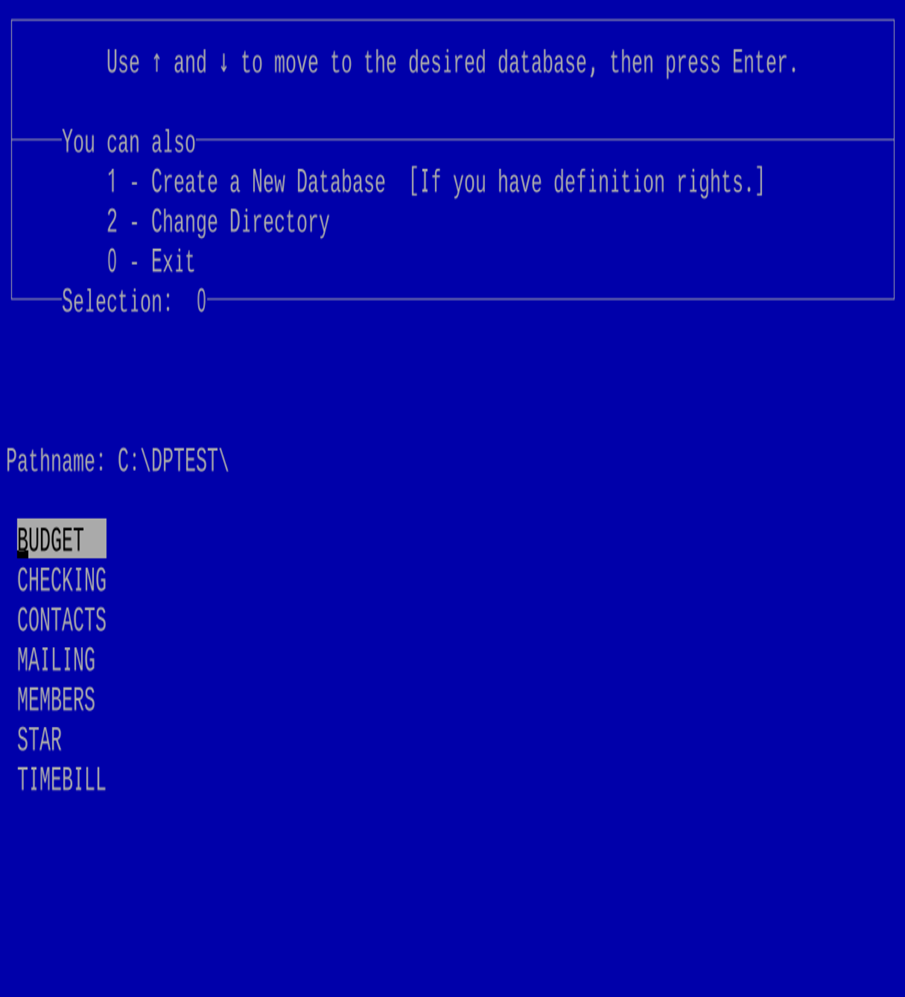
- Select option 0, and you will see the following screen:
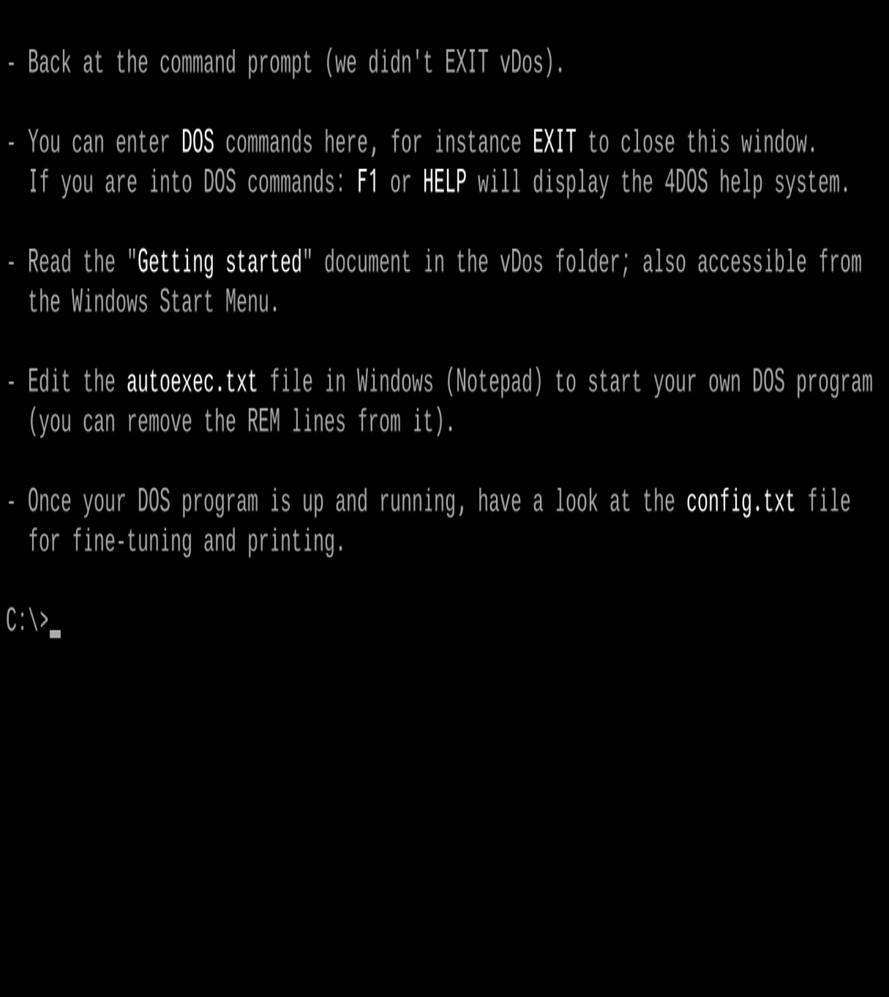
Type
cd mapgenand press Enter;This will navigate to the Mapgen subdirectory, displaying the prompt:
c:\Mapgen;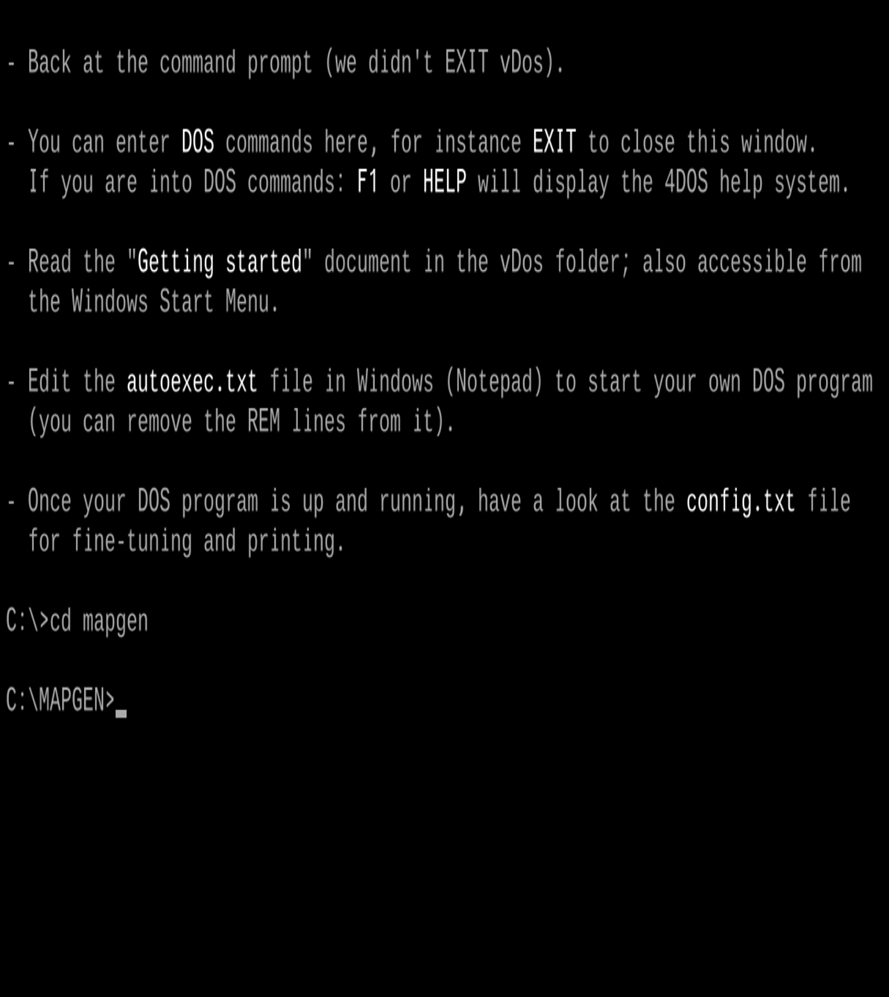
Type the command:
mapgenPress Enter. This will execute Mapgen.
To perform any analysis, create or copy your data files into this folder (
c:\vDos\Mapgen). When the software prompts for the file path and filename, simply type the filename. If files are stored in other folders or USB drives, the program may fail to locate them, as vDos emulates a virtual DOS environment where the root directory isc:\vDos.Enjoy using it. I hope this information is helpful.
When finished, type
Exitand press Enter to close vDos.
Mapgen
Provides a suite of statistical analyses useful for plant/animal breeders and statisticians.